
- A homelab box runs 24/7. Each watt of constant draw costs about $1.62 a year, so idle power beats benchmarks.
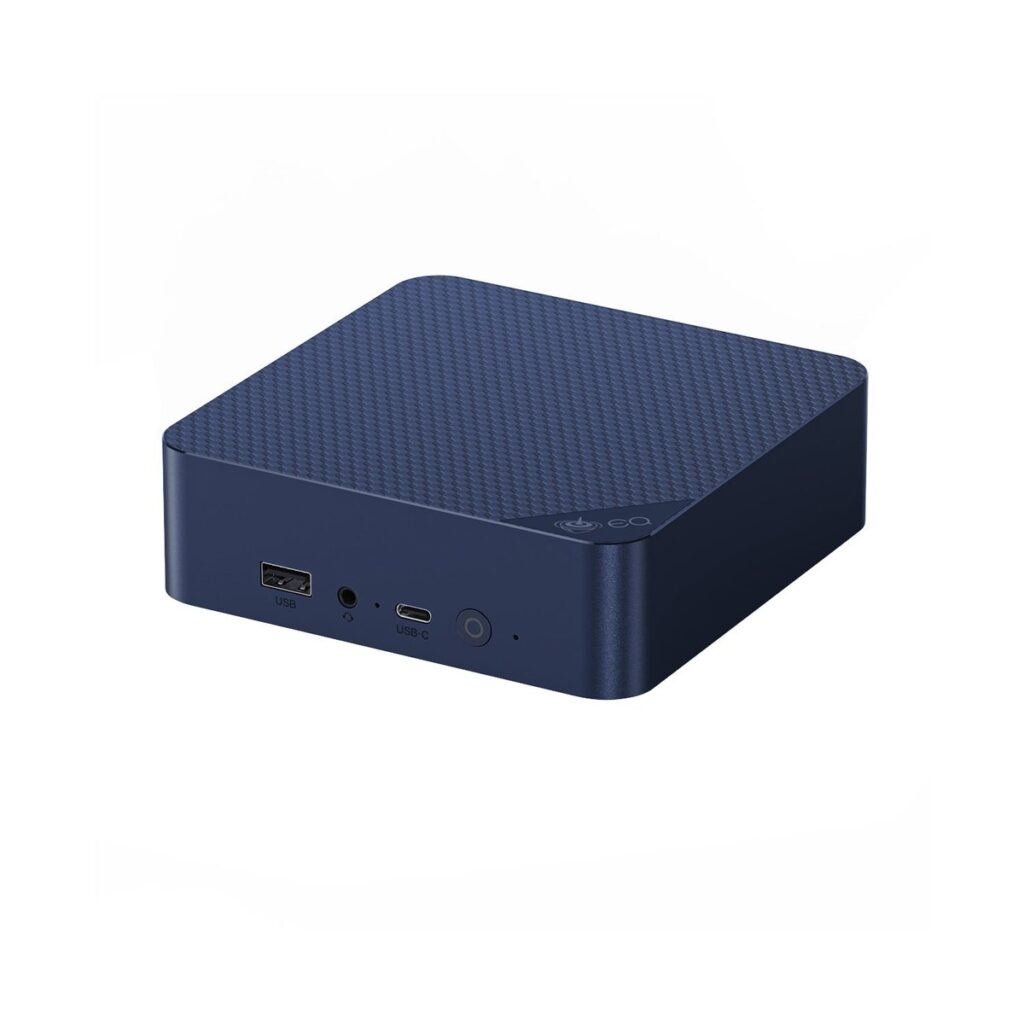
- The Beelink EQ14 is the best first node for most people. Buy the dual 2.5GbE version.
- A Renewed ThinkCentre M920q Tiny is the cheapest real horsepower. Test it hard inside its 90-day guarantee.
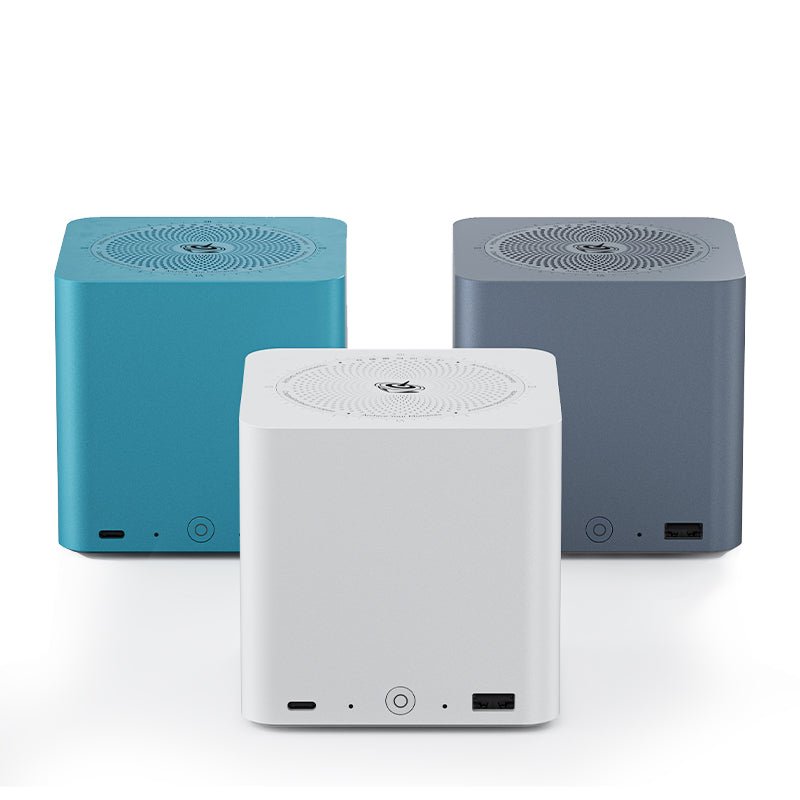
- Storage deserves its own box. The Beelink ME mini holds six SSDs, up to 24TB, in a tissue-box-sized cube.
- Warranty gaps are real: Beelink covers 3 years, Minisforum 24 months, a Renewed unit 90 days.
- Proxmox wants three nodes so a vote can never tie. Three cheap boxes beat one big one.
A homelab is a small server setup at home, for learning and for hosting your own apps. For most people, the best mini pc for homelab duty is the Beelink EQ14. It runs a full starter stack, stays near silent, and adds only a few dollars a year to your power bill. But “most people” may not be you. A homelab box is the one computer you buy by the hour, not by the benchmark, because it never turns off. This guide matches five machines to five jobs, with prices we checked today, so you buy the right box once.
We earn an affiliate commission if you buy through links on this page, at no extra cost to you. It does not change our picks. Prices swing week to week, so treat every figure as a dated snapshot.
What is the first job your homelab box has to do?
★ Your pick: Lenovo ThinkCentre M920q Tiny
Six desktop cores for used-market money. Treat the 90-day Renewed guarantee as your test window.
★ Your pick: Beelink ME mini
Six M.2 slots and room for 24TB of SSD storage in a quiet little cube.
★ Your pick: Beelink SER8
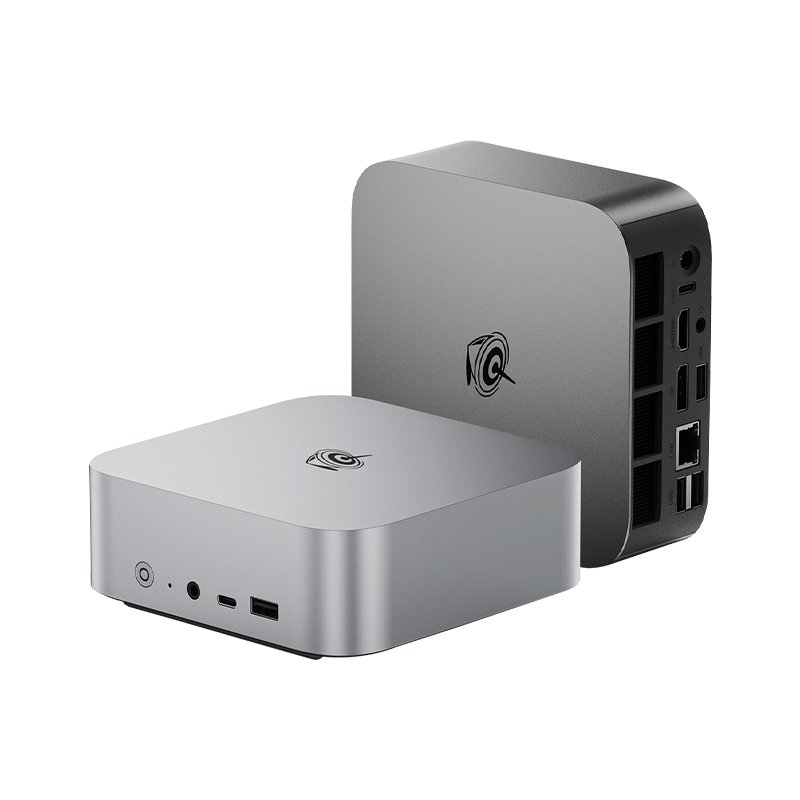
Eight Ryzen cores, DDR5 and USB4 for the lab that has outgrown starter boards.
★ Your pick: Minisforum MS-A2
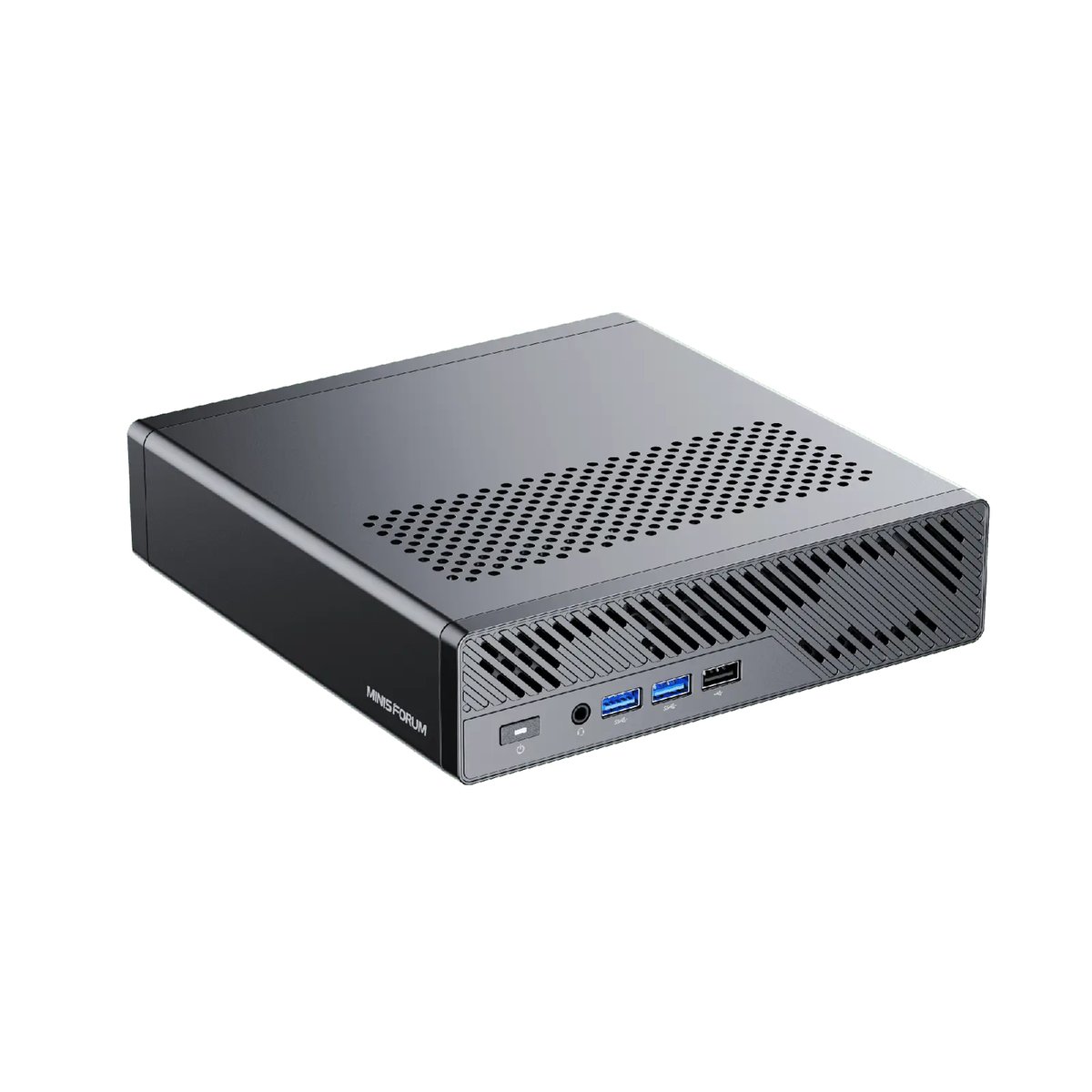
Sixteen cores and dual 10G SFP+ ports. A rack server's guts in a lunchbox.
👑 Our Top Pick — Best Overall Value
Beelink EQ14
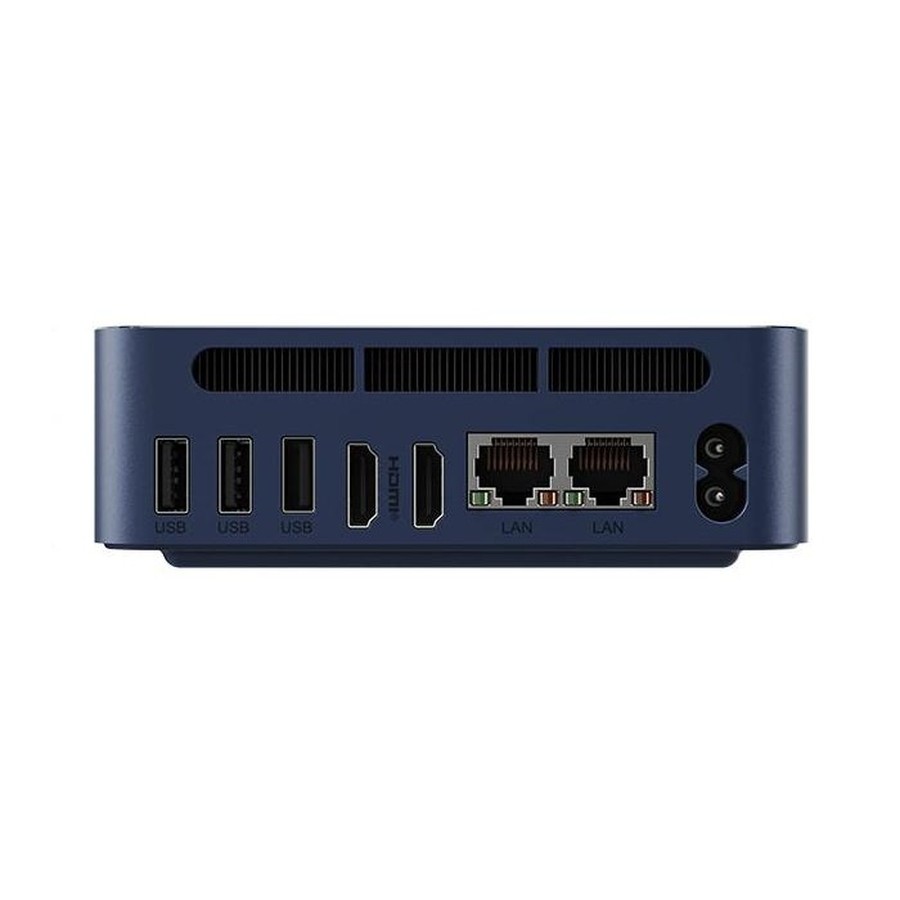
Runs a full starter Proxmox and Docker stack while sipping power, with a 3-year warranty. The safe first node.
Opens on our Top Pick. Tap an option to see the best match for you.
Why You Buy a Homelab Box by the Hour, Not the Benchmark
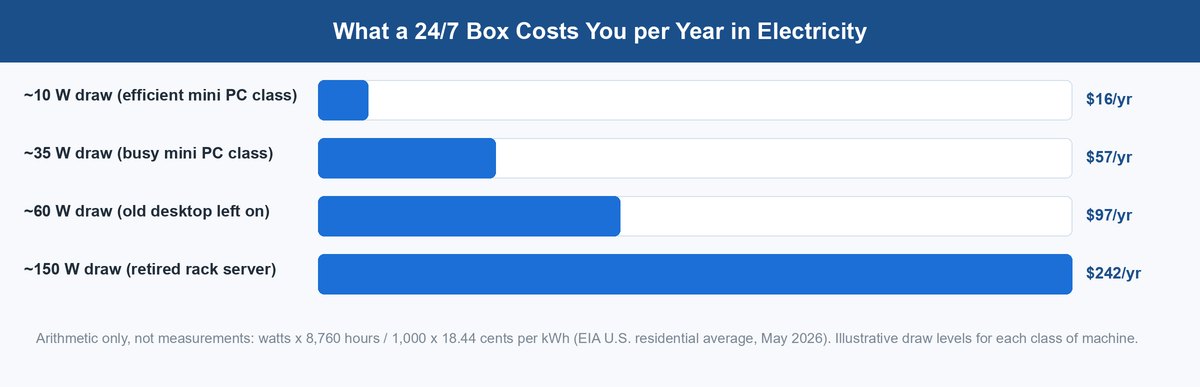
Most computers get judged by speed. A homelab box runs every hour of the year, all 8,760 of them. So the number that decides your real cost is idle power: the watts the box burns while doing almost nothing, which is most of its life.
The math is short. Take the idle watts, multiply by 8,760 hours, divide by 1,000 to get kilowatt-hours, then multiply by your power rate. The U.S. residential average was 18.44 cents per kilowatt-hour in May 2026, per the EIA’s monthly price table. At that rate, a small box drawing about 10 watts costs roughly $16 a year. A retired rack server drawing about 150 watts costs roughly $242 a year. The gap between those two numbers buys a new mini PC every couple of years.
The lens has a second edge: a homelab lives with you. A box that whines or heats a bedroom gets unplugged by New Year.
It also explains a strange truth about this market. Companies retire fleets of tiny desktop PCs every few years, and those flood the used market at low prices. So the value slot is often won by a five-year-old Lenovo.
The Five Picks, Matched to Five Homelab Jobs
Each machine owns one job. Every price and stock status below was checked today, August 20, 2026, on the maker’s own store.
The Beelink EQ14 Is the Starter Node Most Labs Should Buy
The Beelink EQ14 is the box for your first node. Its Intel N150 chip has four frugal cores, and Beelink rates the whole unit at about 32 decibels, quieter than a library. It comes with 16GB of DDR4 memory on a single stick. That is honest starter territory: it runs Proxmox with a handful of services, or a Docker stack. Proxmox is a hypervisor, software that splits one physical box into several virtual computers. Docker runs apps in lightweight containers instead.
It comfortably hosts Pi-hole, Home Assistant, a media server, a VPN and a few small VMs. It cannot carry heavy databases or a dozen busy VMs; four efficiency cores and 16GB only stretch so far. The upgrade path is storage: two M.2 slots take PCIe 3.0 drives. The power supply is built into the case, so there is no brick on your floor.
The network is why it beats other cheap boxes. The right variant carries two 2.5GbE ports, each moving data at 2.5 gigabits per second, two and a half times normal gigabit wiring. Two fast ports let one small box route, serve files and later join a cluster. Beelink’s store listed it at $375 today, down from $429, and Amazon listings often run cheaper than the maker’s store. New units carry Beelink’s 3-year warranty, confirmed on its official policy page today.
A Renewed ThinkCentre M920q Tiny Wins the Value Slot
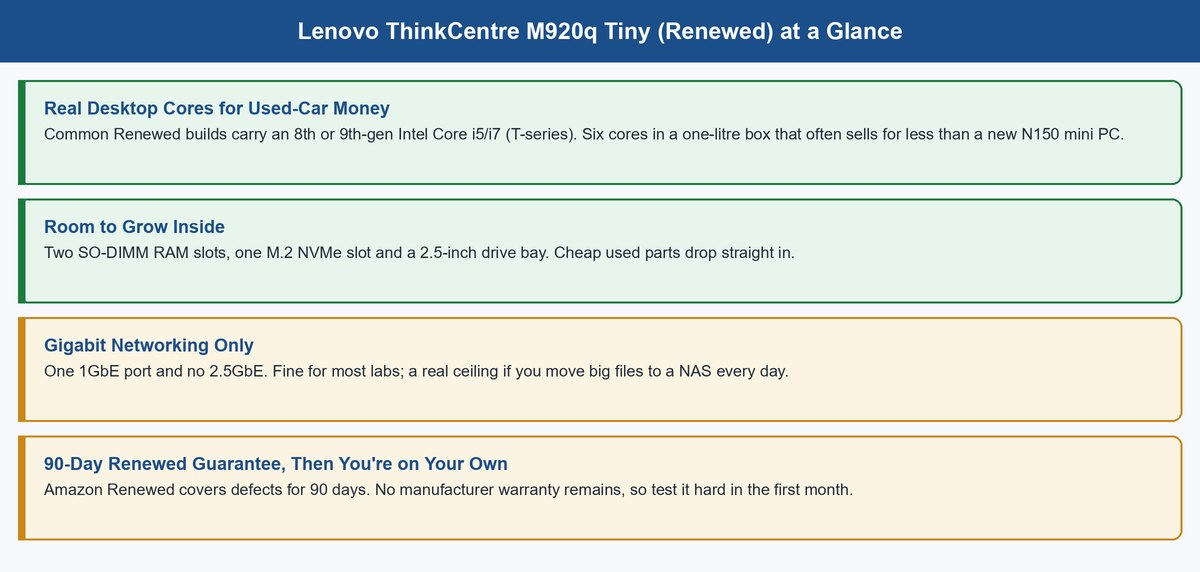
The Lenovo ThinkCentre M920q Tiny is a one-litre corporate desktop from the 8th and 9th Intel generations. Offices bought them by the thousand, then retired them, so Amazon Renewed listings now sell tested units from Microsoft-authorized refurbishers. Common builds carry a six-core i5-8500T or an i7, real desktop cores, and for compute per dollar nothing new in this list touches them. For scale, Budget Homelab priced the sibling M720q at about $80 in its March 2026 roundup. Used tinies undercut every new pick here.
Inside there is room to grow: two RAM slots, one M.2 slot for a fast NVMe drive, and a 2.5-inch bay for a second one. The honest downsides are three. The single network port is 1GbE only, so big file moves crawl next to a 2.5GbE box. The unit’s history is unknown, which is why the inspection checklist below exists. And the only safety net is the 90-day Amazon Renewed guarantee stated in the listing text. No maker warranty remains.
Treat those 90 days as a paid test period: run the box hard from day one, and send it back if anything smells off. Do that, and the M920q is the cheapest honest horsepower a homelab can buy.
The Beelink ME mini Turns Six SSDs Into a Quiet Storage Node
Every lab eventually needs a NAS, which is network-attached storage: one box whose whole job is holding files for every other machine. The Beelink ME mini is that box in cube form. It takes six M.2 SSDs for up to 24TB of flash storage, all solid-state, so there is no drive clatter. Its 16GB of memory is soldered to the board, so you cannot add more, but for a storage appliance that is enough.
Pick the config by network need. The N95 and standard N150 versions carry two 2.5GbE ports; the top N150 version swaps one for a 5GbE port, worth it when several machines pull files at once. Beelink’s store listed the N95 config at $329 today, down from $509, with the same 3-year warranty as the EQ14. This box is a natural home for TrueNAS, and our TrueNAS 26 walkthrough covers what changed this year and how to set up your first pool.
The Beelink SER8 Is the Workhorse When VMs Pile Up
At some point the starter node fills up, and the Beelink SER8 is the classic next step. Its Ryzen 7 8745HS has eight cores and sixteen threads, and its Radeon 780M graphics chip handles transcoding well. Transcoding means converting video on the fly so a movie streams smoothly to your phone or TV. If your lab runs Plex or Jellyfin for the family, this chip is the difference between smooth and stuttering.
Memory is where it grows: two DDR5-5600 laptop-style RAM slots, so you can start at 16GB and climb as the VM count does. Storage matches, with two M.2 slots at PCIe 4.0 speed, and a full-featured USB4 port adds a fast lane for external storage later. The one network port is 2.5GbE, fine for a compute node that mounts its storage from a NAS.
On price, read carefully. Beelink’s store listed it at $639 today on pre-order and points buyers to Amazon as the in-stock channel. Deal trackers logged it near $500 several times through 2025, so patience pays.
The Minisforum MS-A2 Is the Endgame Node With Real 10GbE
The Minisforum MS-A2 is what happens when a mini PC decides to be a rack server. The headline config carries a Ryzen 9 9955HX with sixteen cores and thirty-two threads. The networking is the real story: two 10G SFP+ ports plus two 2.5GbE ports. SFP+ is a socket that accepts fiber or copper modules, and 10G means ten times gigabit speed. That is the fabric serious storage networks run on, and no other pick here has it.
Expansion is in a different league too: three M.2 slots, support for a U.2 enterprise drive, and a real PCIe x16 slot that can take a GPU or another network card. If you plan to consolidate a whole lab into one strong node, this is the box you stop upgrading from.
We verified it in stock today: the barebone was $799, down from $999, and a 32GB/1TB build was $1,279 on Minisforum’s store. Minisforum backs it with a 24-month warranty per its official policy page. One term matters: barebone means the box ships with no RAM and no SSD. You add your own.
How the Five Picks Compare Side by Side
| Pick | Job | CPU | Memory | Network | Storage | Warranty | Price verified 2026-08-20 |
|---|---|---|---|---|---|---|---|
| Beelink EQ14 | Starter node | Intel N150, 4 cores | 16GB DDR4, one stick | 2x 2.5GbE (buy this variant) | 2x M.2 PCIe 3.0 | 3 years | $375 Beelink store; Amazon often lower |
| ThinkCentre M920q Tiny (Renewed) | Used-value node | 8th/9th-gen Core, 6-core i5 common | 2 slots, upgradeable | 1x 1GbE | M.2 + 2.5-inch bay | 90-day Renewed guarantee | Varies by build; sibling M720q ~$80 (Budget Homelab, Mar 2026) |
| Beelink ME mini | Storage node | Intel N95/N150, 4 cores | 16GB LPDDR5, fixed | 2x 2.5GbE, or 2.5G + 5G | 6x M.2, up to 24TB | 3 years | $329 (N95) Beelink store |
| Beelink SER8 | Workhorse | Ryzen 7 8745HS, 8C/16T | 2x DDR5-5600 slots | 1x 2.5GbE | 2x M.2 PCIe 4.0 | 3 years | $639 Beelink store, pre-order; ~$500 deals seen in 2025 |
| Minisforum MS-A2 | Endgame node | Ryzen 9 9955HX, 16C/32T | 2x DDR5-5600, up to 96GB | 2x 10G SFP+ and 2x 2.5GbE | 3x M.2 + U.2 | 24 months | $799 barebone, in stock |
Idle power is the column we left out on purpose: we have not measured these units, and spec sheets do not state idle draw. The pattern that holds: N150 boxes sit at the frugal end, Ryzen boxes cost more per hour, and everything here runs far cheaper than an old tower or rack server.
How to Inspect a Used Tiny PC in the First Week
A Renewed machine is a great deal only if you test it while the 90-day guarantee still protects you. Work this list in the first week.
Listen to the Fan Under Load
Run a heavy task for ten minutes. A healthy tiny PC hums; a worn fan buzzes, rattles or surges, and fans are the part most likely to be tired.
Read the SSD’s Health Data
Use SMART data, the health report every SSD keeps about itself. Check power-on hours and wear level, not just the pass mark.
Confirm the RAM Setup
Check the amount and the stick count in the BIOS. Two sticks run faster than one, and listings sometimes ship the minimum.
Run It Hot for a Weekend
A memory test plus a long stress run flushes out the faults that only appear warm.
Put the Deadline on Your Calendar
Note the exact day the 90-day Renewed guarantee ends. A return on day 89 is easy; on day 91 it is a paperweight.
The Cheapest Honest Path to a Three-Node Cluster
Why Proxmox Wants Three Votes
A cluster is several boxes acting as one system, so a service can move to a healthy node when its home node dies. To do that safely, the surviving nodes must agree on who is in charge, and they agree by voting. This is called quorum, which simply means a majority vote. Two nodes can tie, and a tied cluster freezes to protect your data. Three nodes means a majority always exists, so the cluster keeps running when any one box fails. The Proxmox cluster documentation spells out the rule. Homelab advice keeps landing on the number three not from superstition, but from vote math.
The Two Shopping Lists That Get You There
The cheapest path is three used tinies. At Budget Homelab’s March 2026 price of about $80 for an M720q-class node, three nodes is starter-cluster money, and the 1GbE ports matter less because cluster chatter is light. The safer path is three EQ14s: new, covered for three years, each with dual 2.5GbE ports so cluster traffic and service traffic get their own lanes. Either way, skip the rack. Ten-inch mini racks look fantastic, but none of these boxes needs one. A shelf and a power strip do the same job free.
Whichever list you pick, install Proxmox on each node, join them into a cluster, then set up backups before you host anything you care about. A NAS like the ME mini makes the natural backup target. The lab that starts with backups survives its first bad experiment.
Frequently Asked Questions
Is a mini PC good enough for a homelab?
Yes, for almost everyone. A four-core box with 16GB of memory runs a hypervisor, a dozen containers and a media server with room to spare. Most homelab workloads are light and constant, a profile that fits a mini PC better than a big tower.
What is the best mini PC for a Proxmox cluster?
Buy three of the same cheap node. Three used ThinkCentre M920q Tinys are the cheapest path; three Beelink EQ14s are the safer new path with faster networking and a 3-year warranty. Identical nodes keep the cluster simple.
How much power does a mini PC homelab use?
Use the $1.62 rule: at the May 2026 U.S. average rate of 18.44 cents per kilowatt-hour, each watt of constant draw costs about $1.62 a year. A frugal 10-watt mini PC costs roughly $16 a year; an old 150-watt server costs roughly $242. Your number depends on your local rate and real idle draw.
Should I buy a used or a new mini PC for a homelab?
Used wins on raw price; new wins on everything else. A Renewed tiny PC gives you six desktop cores for less than any new box, but only a 90-day guarantee and 1GbE networking. New boxes like the EQ14 bring 2.5GbE ports, a 3-year warranty and a known history. Many labs do both.
Do I need a rack for a mini PC homelab?
No. A shelf, a power strip and a small switch cover everything in this guide. Mini racks are a fun aesthetic upgrade, not a requirement. Spend that money on a second node or a backup drive first.
What should I set up first on a homelab mini PC?
Install Proxmox, then set up backups before any service you care about. After that, the classic first apps are Pi-hole for network-wide ad blocking and Home Assistant for smart-home control. Both are light and forgiving while you learn.
About the Author
Elena Brooks
Elena Brooks is the person her group chat texts when something at home stops working or a health trend starts trending. She’s spent years turning that instinct into a job — digging into the research behind everyday questions, calling the experts, and writing up what holds up and what doesn’t. Her beat is wherever curiosity points: kitchens, cars, pets, sleep, money, and the occasional meteor shower.