
- Failure data beats brand loyalty. In Backblaze’s fleet, the same brand makes both a 0.52% AFR drive and a 2.83% AFR drive. The model is the product, not the logo.
- CMR is non-negotiable in a RAID bay. SMR drives rewrite data in overlapping bands, which can stretch a rebuild from hours into days.
- Workload ratings sort the market cleanly: 180TB/year with 3-year warranties on the standard tier, 550TB/year with 5-year warranties on the Pro tier.
- Synology’s 2025 drive lock-in is mostly gone. DSM 7.3 restored third-party 3.5-inch drives, so every drive in this guide works in current Synology and UGREEN bays.
- Buy for the array you will have in three years. Parity, filesystem overhead, and the 80% fill rule shrink “24TB of drives” to roughly 17TB you should actually use.
You are about to trust years of photos, backups, and work to a few spinning disks. So the best nas hard drive is not the one with the nicest box. It is the one with a low real-world failure rate, CMR recording, and a workload rating that fits what your NAS does all day. For most 1–8 bay home and small-office builds, that answer is the WD Red Plus. But the reasoning matters more than the pick. Here are the failure numbers, the one recording trap that still catches people, and five drives that earn a bay.
Quick disclosure: product links in this guide are affiliate links, and vpod may earn a small commission if you buy through them. It costs you nothing extra, and it never changes which drives we pick.
What does your NAS actually do all day?
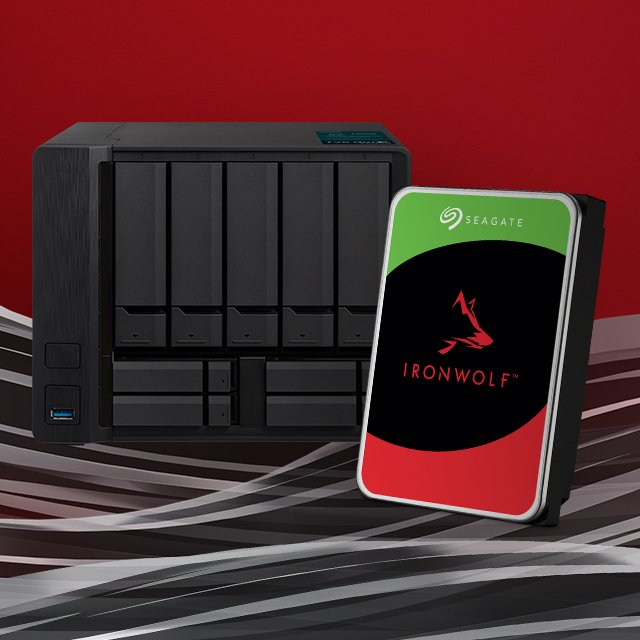
★ Your pick: Seagate IronWolf
Usually undercuts like-for-like sizes and adds three years of Rescue data recovery at no charge.
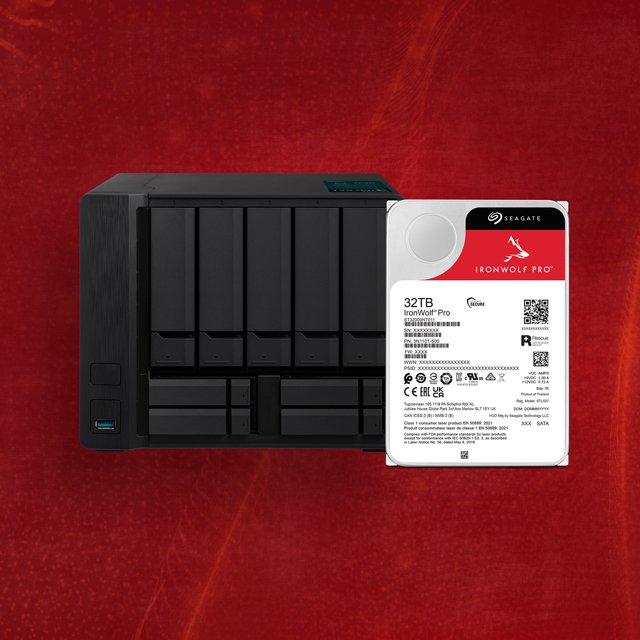
★ Your pick: Seagate IronWolf Pro
A 550TB/year rating and 5-year warranty for arrays that sync, record, or serve all day.
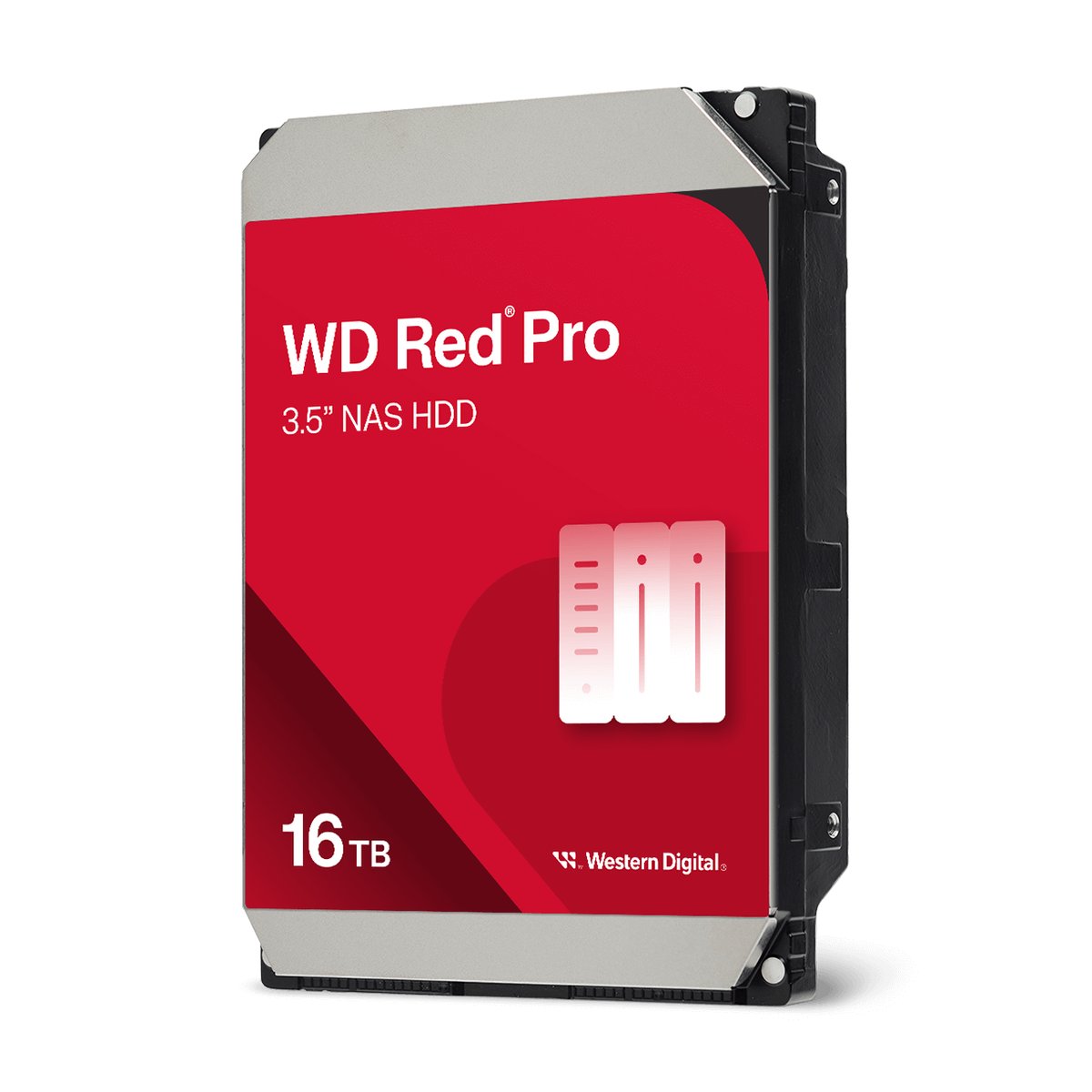
★ Your pick: WD Red Pro
7,200 RPM, rated for any bay count, with a 5-year warranty and up to 2.5-million-hour MTBF.
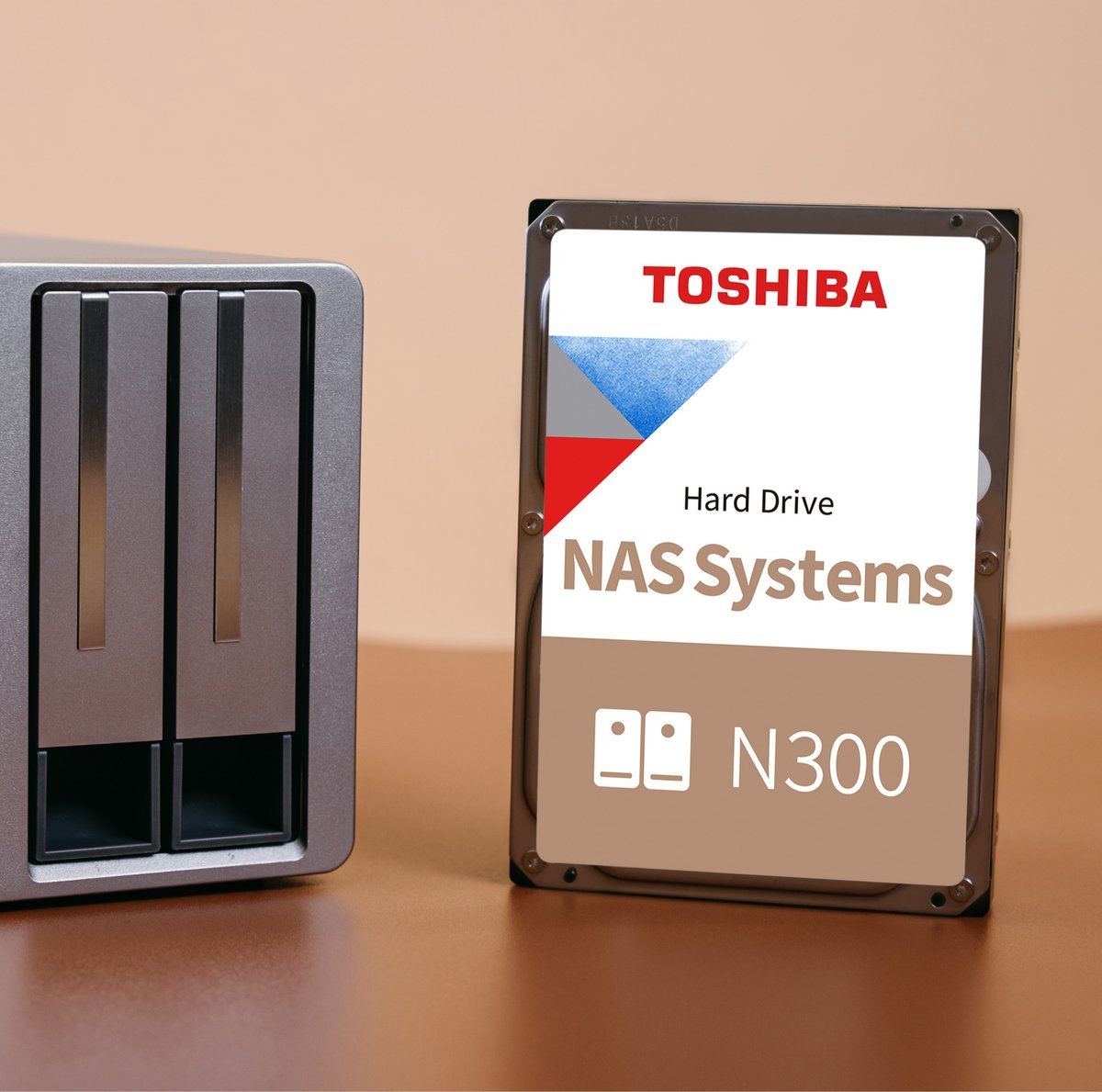
★ Your pick: Toshiba N300
7,200 RPM performance at mid-tier pricing the two big brands rarely match.
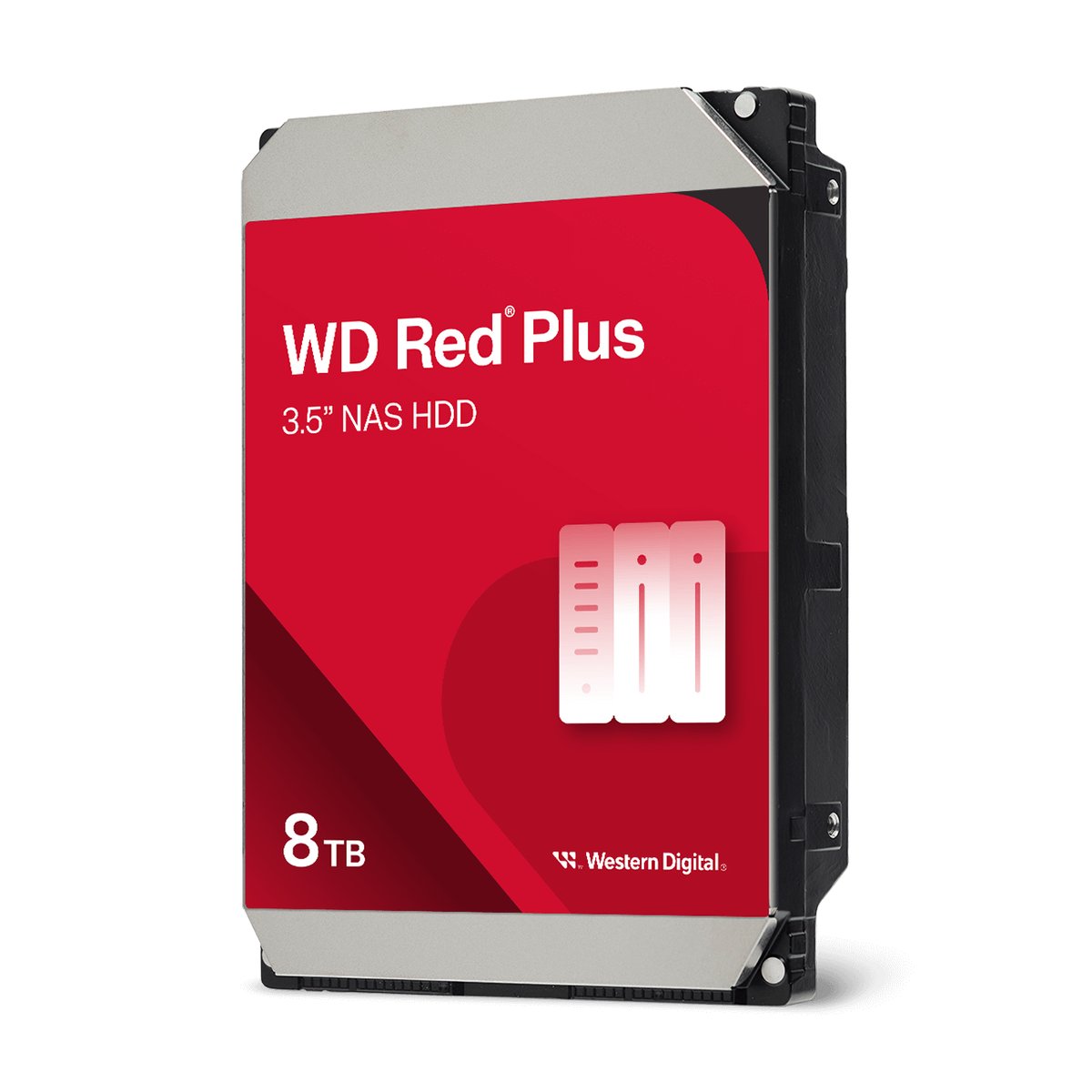
👑 Our Top Pick — Best Overall Value
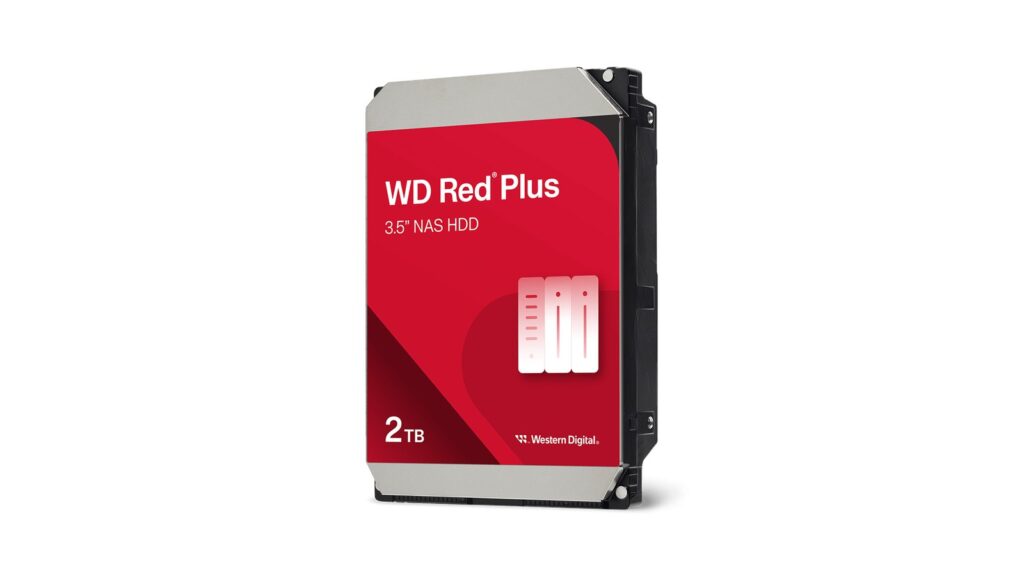
WD Red Plus
The safe default for 1–8 bay NAS builds: CMR, quiet, cool, and a 180TB/year rating that home workloads never touch.
Opens on our Top Pick. Tap an option to see the best match for you.
What Real Failure Numbers Say About Buying NAS Drives
Real failure data exists, in public, updated every quarter. Almost nobody shops with it. Backblaze runs hundreds of thousands of drives in production and publishes failure rates for each model. The Q1 2026 Drive Stats report covers 341,263 drives across 30 models. The fleet-wide annualized failure rate (AFR) was 1.24% for the quarter and 1.39% lifetime.
AFR is a simple idea. A 1% AFR means that out of 100 such drives running for a year, about one will fail. At the fleet’s lifetime rate, a four-bay NAS has roughly a 1-in-18 chance that one drive fails in a given year. That is why RAID exists. It is also why rebuild behavior, covered next, matters so much. A few model-level entries from the same report:
| Drive model in the Backblaze fleet | Capacity | Drives in service | AFR |
|---|---|---|---|
| Seagate ST16000NM001G | 16TB | 34,729 | 0.52% |
| WDC WUH721816ALE6L4 | 16TB | 26,801 | 0.97% |
| Toshiba MG07ACA14TA | 14TB | 37,263 | 1.03% |
| Seagate ST12000NM0008 | 12TB | 18,650 | 2.83% |
Read the table twice and the lesson jumps out. Seagate owns both the best line and the worst line. Its 16TB model is among the most dependable in the fleet. A 12TB Seagate fails at more than five times that rate. The worst lifetime performer in the report, another 14TB Seagate model, sits at 5.78%. Brand tells you almost nothing. The exact model tells you nearly everything.
One honest caveat: Backblaze runs enterprise-class drives, not the NAS-branded models below. So treat this as proof of model-to-model spread, not a scorecard for this slate. The data also favors buying current. The newest 20TB-plus drives in the fleet posted a 0.85% AFR as a group.
The SMR Trap That Stalls RAID Rebuilds
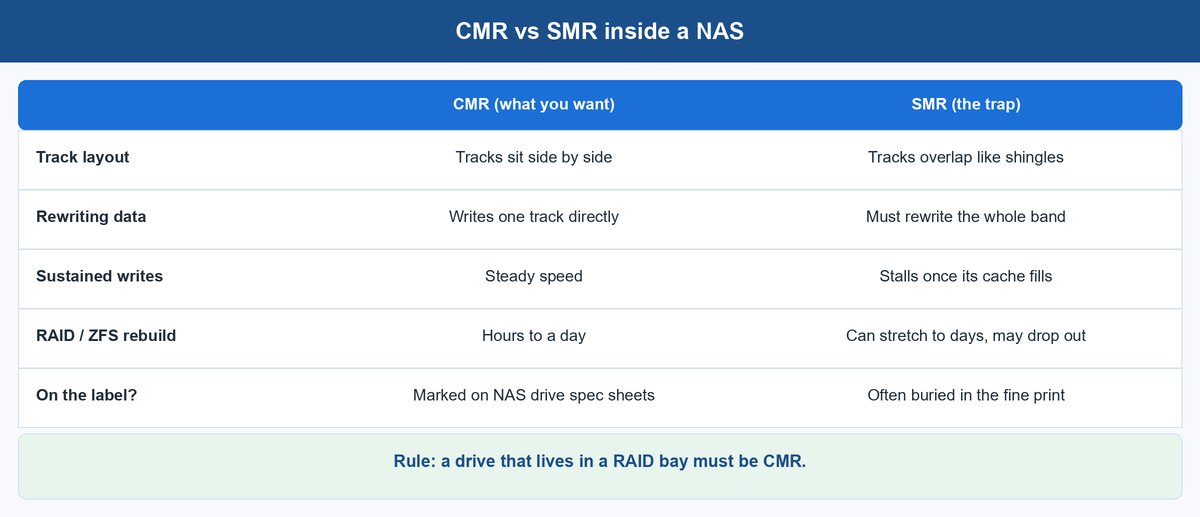
There are two ways to lay data tracks on a platter. The difference decides whether your NAS rebuilds in hours or days. CMR (conventional magnetic recording) writes tracks side by side, so the drive can rewrite any track directly. SMR (shingled magnetic recording) overlaps tracks like roof shingles to squeeze in more space. The overlap is the trap. Rewriting one track disturbs the track laid over it, so the drive must read a whole band, change it, and write it all back.
Light desktop use hides this with caching and idle-time cleanup. A NAS grants no idle time at the worst moment. When you replace a failed drive, the array writes rebuilt data to the newcomer nonstop for hours. An SMR drive’s cache fills and its write speed collapses. That read-modify-write cycle can drag a one-day rebuild toward several days. All the while, a second failure can take the whole array. Some setups have even dropped stalling SMR drives mid-rebuild. The way Unraid and TrueNAS rebuild data differs, but both punish shingled drives.
This is not hypothetical. In 2020, buyers found that plain WD Red drives had quietly switched to SMR. The rebuild problems that followed pushed Western Digital to split the line. That is why the CMR tier is now labeled “Red Plus.” Every drive in this guide is CMR.
Workload Ratings and Warranty Tiers Sort the Whole Market
Once you filter for CMR, the NAS drive market splits into two clean tiers. Two numbers mark the split: workload rating and warranty length.
The workload rating is how many terabytes the vendor expects the drive to move per year. It counts reads and writes together — a detail Western Digital states in its own fine print. The standard tier (WD Red Plus, Seagate IronWolf, Toshiba N300) is rated 180TB/year with 3-year warranties. The Pro tier (WD Red Pro, Seagate IronWolf Pro) is rated 550TB/year with 5-year warranties and higher MTBF — 1 million hours on Red Plus versus up to 2.5 million on Red Pro.
What do the tiers mean in practice? To exceed 180TB/year, you would push almost 500GB through the drive every single day. A NAS that stores photos, streams in the evening, and takes a nightly backup does a small fraction of that. The Pro tier earns its price when the array works nonstop — camera recording, many users, sync jobs that churn all day. It also earns it when the array is so large that scrubs and rebuilds become a real share of the yearly workload.
The warranty gap is the quieter signal. A vendor that covers a drive for five years under a 550TB/year workload is telling you, with its own money, how long it expects the hardware to last. You are reading the maker’s private reliability estimate off the sticker.
The Best NAS Hard Drives Worth Buying in 2026
Every drive here is CMR and currently sold on Amazon. They are ordered by the question that matters: what does your array do all day?
1 WD Red Plus Is the Safe Default for Most Home Arrays
The WD Red Plus is the drive to buy when you do not want to think about drives. The whole line is CMR — that is literally why the “Plus” branding exists. It carries a 180TB/year rating, 1-million-hour MTBF, and a 3-year warranty across sizes from 2TB to 14TB-class. Common sizes spin at lower RPM. That keeps them quiet and cool in the small boxes most of us park in a living room.
The trade-off: you pay a little extra for the badge. At like-for-like size it often costs more per terabyte than the IronWolf below. What you get is a drive that behaves — rated for up to 8 bays and built to handle vibration. For a 2–4 bay Synology, UGREEN, or self-built box, this is the pick.
2 Seagate IronWolf Wins the Cost-per-Terabyte Math
The Seagate IronWolf matches the Red Plus tier spec for spec: CMR, 180TB/year, 3-year warranty, sizes from 1TB to 18TB-class. Then it usually beats it on price per terabyte. When you are filling four bays at once, a modest saving per drive multiplies into real money.
Seagate also bundles something the spec table undersells: three years of free Rescue Data Recovery Services. If a drive quits inside that window, Seagate’s lab tries to recover the data itself, not just ship a new disk. Recovery labs normally charge more than a whole small NAS costs. That is real insurance while your proper backup is still taking shape.
3 Seagate IronWolf Pro Buys Workload Headroom and Longer Coverage
The Seagate IronWolf Pro raises the ceiling: CMR at 7,200 RPM, a 550TB/year rating, a 5-year warranty, the same three years of Rescue recovery, and sizes now past 24TB. Seagate aims it at creative teams, camera storage, and multi-user arrays. In plain terms: buy it when your NAS works while you sleep.
It also makes sense as a longevity play at lighter workloads. Five years of warranty on a drive you plan to run for five years means the whole service life is covered. And the heavier mechanicals are the parts that last in big cases. Three Pro drives with room to grow usually age better than four standard drives bought at once.
4 WD Red Pro Carries Big Arrays Without a Bay Limit
The WD Red Pro is Western Digital’s drive at the same tier: CMR, 7,200 RPM, 550TB/year, 5-year warranty, up to 2.5-million-hour MTBF. The spec that stands out is bay count. Where Red Plus is rated for up to 8 bays, WD rates Red Pro for RAID systems with an unlimited number of bays. That reflects hardware built for many drives vibrating in one chassis — exactly the setting that wears out lighter drives early.
Choose between Red Pro and IronWolf Pro on capacity pricing the week you buy. The one steady difference is Seagate’s bundled Rescue recovery versus WD’s usually stronger stock at the largest sizes.
5 Toshiba N300 Is the Underpicked 7,200 RPM Alternative
The Toshiba N300 is what you buy when you notice the market has a third vendor nobody price-checks. It is CMR with a 180TB/year rating and 3-year warranty, like the standard tier. But it spins at 7,200 RPM like the Pro tier, with vibration sensors and up to 1GB of cache. You get Pro-tier platter speed at standard-tier prices. Because fewer buyers default to Toshiba, street pricing is often low.
The Backblaze data quietly endorses the brand, too. Toshiba’s 14TB workhorse runs a 1.03% AFR across more than 37,000 drives — solidly mid-pack in a fleet whose spread runs from 0.5% to nearly 6%. The catch is the same spindle speed that makes it quick. At 7,200 RPM it runs louder and warmer than a low-RPM Red Plus, which matters on a desk. In a closet, garage, or rack, the N300 is the value pick hiding in plain sight.
How Many Terabytes You Need Once RAID Takes Its Cut
The number on the drive box is not the number you get to use. This is where most first builds go wrong.
A Worked Example for a Four-Bay Array
Take a four-bay NAS with four 8TB WD Red Plus drives. That is 32TB raw. One drive of parity (RAID 5, SHR, or RAIDZ1) spends 8TB on protection, leaving 24TB. Drives are sold in decimal terabytes but your OS reports binary units, so 24TB shows up as roughly 21.8TiB. Then comes the rule that surprises people. Parity arrays and copy-on-write filesystems want free space to breathe, and past about 80% full, performance sags. ZFS and Btrfs handle fullness differently, but neither enjoys it. Your comfortable working space is around 17TB. Half the sticker total.
Size Backwards From the Data You Have Today
So size backwards from your data. Measure what you store now and double it — photo and video libraries roughly double every few years. Make sure that number fits inside the ~55% of raw space you will really use. For media streaming, run the math on your library. Compressed 1080p films take single-digit gigabytes each, while 4K remuxes take many times that. A serious 4K collection justifies big drives faster than any other home workload.
Buying Drives for a Synology or UGREEN NAS
If you own a 2025-generation Synology, the compatibility story changed twice. In April 2025, Synology limited its 2025 Plus-series units to Synology-branded and validated drives, and third-party drives lost core features. In October 2025, DSM 7.3 walked most of that back. Synology’s own drive compatibility FAQ and Tom’s Hardware’s coverage of the reversal confirm that third-party 3.5-inch HDDs and 2.5-inch SATA SSDs work again without losing storage-pool features. Every drive in this guide is fine in a Synology on DSM 7.3 or later.
UGREEN’s NASync line is the simpler story. The units ship diskless and accept standard 3.5-inch SATA drives with no brand gate — a real part of why they became the value alternative. The same rules apply unchanged: CMR only, tier by workload, and spot-check any unlisted model in the current Backblaze report. Still choosing the NAS itself? Our look at TrueNAS 26 covers the build-your-own path these drives slot into.
Your Buy List, in One Paragraph
Buy the failure statistics, not the brand. Filter to CMR without exception. Pick your tier by honest yearly workload. Then choose the model — not the logo — and spot-check it against current Backblaze data. For most people that lands on the WD Red Plus as the default, the IronWolf for filling many bays on a budget, the two Pros for heavy or large arrays, and the N300 for 7,200 RPM speed without the Pro price. Size for the data you will have in three years. Do all that, and your drives will bore you for the length of their warranty — exactly what you want from a hard drive.
Frequently Asked Questions
Are NAS hard drives actually different from desktop drives?
Yes, in firmware and mechanics rather than raw speed. NAS drives use time-limited error recovery. A struggling drive reports failure quickly, so the RAID controller can step in. A desktop drive retries silently for so long the array may drop it. NAS drives also add vibration control for multi-drive boxes and a published 24/7 workload rating.
Which is more reliable, WD Red or Seagate IronWolf?
At the standard tier they are spec twins: CMR, 180TB/year, 3-year warranties. Public failure data crowns no brand. Backblaze’s fleet shows Seagate making both one of the most dependable models (a 0.52% quarterly AFR) and the least dependable (5.78% lifetime AFR). That is strong proof that reliability follows models, not logos. Buy whichever is cheaper per terabyte at your size, in a current generation.
Can I use these drives in a UGREEN NAS?
Yes. UGREEN NASync units ship diskless and accept standard 3.5-inch SATA drives from any brand, with no feature-gating by vendor. The same selection rules apply: CMR recording, a workload tier matched to your usage, and sizes that account for parity overhead. WD Red Plus and Seagate IronWolf are the usual picks for its 2- and 4-bay models.
What is the best NAS hard drive for media streaming?
Streaming is a light workload. One 4K stream reads far below any modern drive’s speed, so any CMR drive here handles it. What matters is space and noise. Low-RPM WD Red Plus models run quieter next to a TV. A big 4K library tilts toward fewer, larger drives. Save the Pro tier for arrays that also record cameras or serve many users.
Is SMR ever acceptable in a NAS?
Only outside redundant arrays. A single SMR drive doing cold archive duty — write once, read rarely — is fine and cheap. Inside RAID, SHR, or ZFS, its read-modify-write behavior slows rebuilds badly and can get the drive dropped mid-recovery. Standard-tier CMR costs only slightly more per terabyte. The saving is never worth the rebuild risk.
How long should a NAS hard drive last?
Plan around the warranty tier: three years on standard drives, five on Pro. Backblaze’s 13 years of data show failures cluster early (factory defects) and late (wear), with fleets holding near 1–1.4% yearly rates in between. Watch reallocated and pending sector counts in your NAS health monitor. Replace a drive on a rising trend, not after it stops responding.
Should I buy all my drives at once?
Buy the capacity together, but consider splitting the order across two retailers or a few weeks. Drives from one production batch share any batch-level weakness. Identical drives installed the same day also wear identically, which raises the odds of a second failure during the stressful rebuild after a first one. Mixing two solid models from this list is a hedge most NAS systems handle without complaint.
About the Author
Elena Brooks
Elena Brooks writes about the infrastructure decisions that are hard to reverse – storage layouts, network gear, and the hardware small teams actually run. She reads the vendor spec sheets and the quarterly failure reports so you don’t have to, quotes them directly, and says plainly when a product’s reputation and its data disagree.